A calm time tracker for Mac, iPhone and iPad
Know where the hours went.
Start with one tap, from the Mac menu bar or your iPhone. WabiTime stays out of the way while you work, then keeps a quiet record of every session so you can look back and see the day for what it was.

macOS 15 · iOS 26 · iPadOS 26
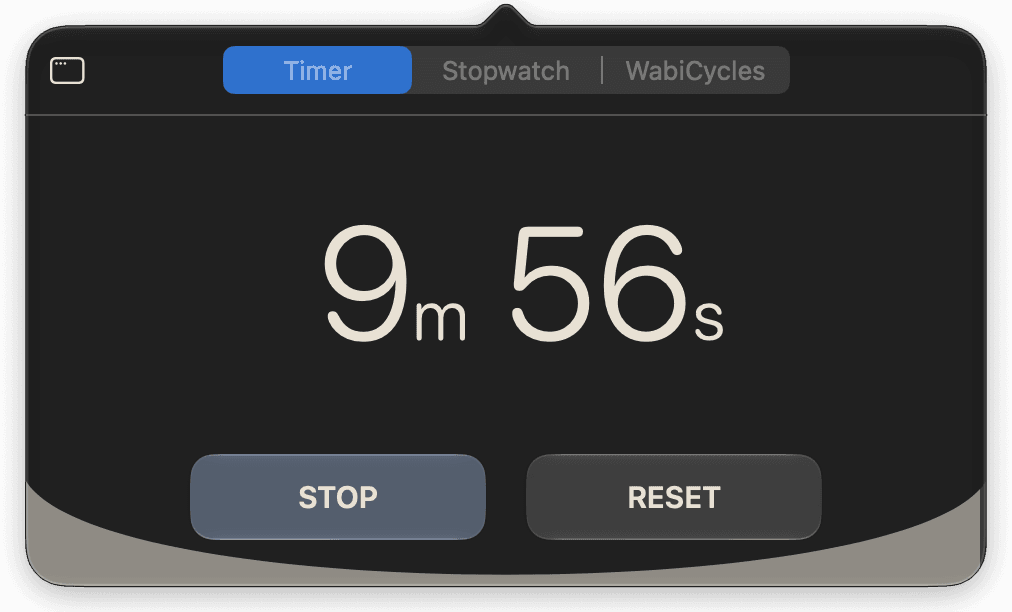
You decided to work at 9:04. You started at 9:17.
Those thirteen minutes went somewhere. Finding the app. Arranging the window. Picking a mode. Glancing at the one thing you weren’t supposed to look at while you were there. Deciding was the easy part. Every timer works fine once you finally get to it. I built WabiTime so there’s nothing to get to.
Starting takes one gesture
Type what you’re doing, press once, and it’s running.
There’s no form to fill in. The task gets created and the clock starts in the same press. Which project it belongs to is something you can sort out later, or never. And if you’d rather not touch the screen at all, Siri and Shortcuts can start it for you.
What are you working on?
Nothing on the clock
Type what you’re doing and press start.
00:00

Persimmon is the one colour that’s allowed to outrank a project’s own. Everywhere else, colour tells you whose work something is. While the clock is running, it tells you this is the live one.
No form
One field. All the app needs to get going is a name for what you’re doing.
Hands off
Start Countdown, Start Stopwatch, Start WabiCycles, Pause and Resume are all there in Siri and Shortcuts.
Recent, not required
Yesterday’s tasks sit just under the field. Tap one to pick up where you left off.
It stays visible
The session stays in view, so the intention does too.
On iPhone, a running timer is a Live Activity. It sits on the lock screen, in the Dynamic Island, and on top of whatever else you open. Widgets keep today’s goal and your current project on the home screen too.

- This is the timer itself, not a notification about it. You can pause or reset from the lock screen without unlocking.
Every device you own
The same projects and the same record, on whichever device is closest.
Projects, tasks and finished sessions follow you through iCloud. Everything works offline and catches up when it can. A running timer stays on the device you started it on. What travels is the proof.


On iPad the sidebar is a proper sidebar: projects on the left, the page you’re working in on the right, and the timer in a panel that floats over both.
It keeps the record
Every session you finish lands somewhere you can see it.
A chart of your time by day, week, month or year, which you can narrow to one project. A daily goal that fills up as you work. A streak that counts the days you got there, and marks the milestones in kintsugi gold, because a break that’s been repaired is the point, not the flaw. It all adds up whether you look at it or not.

- Projects are optional. A task can stand on its own for as long as you like. File it under a project later and its time goes with it, and the project picks up the total.
- Each bar is one day’s finished sessions. Switch to month, year or all time, or narrow it to one project, and the same sessions tell you something different.
However you focus
One idea, three kinds of people.
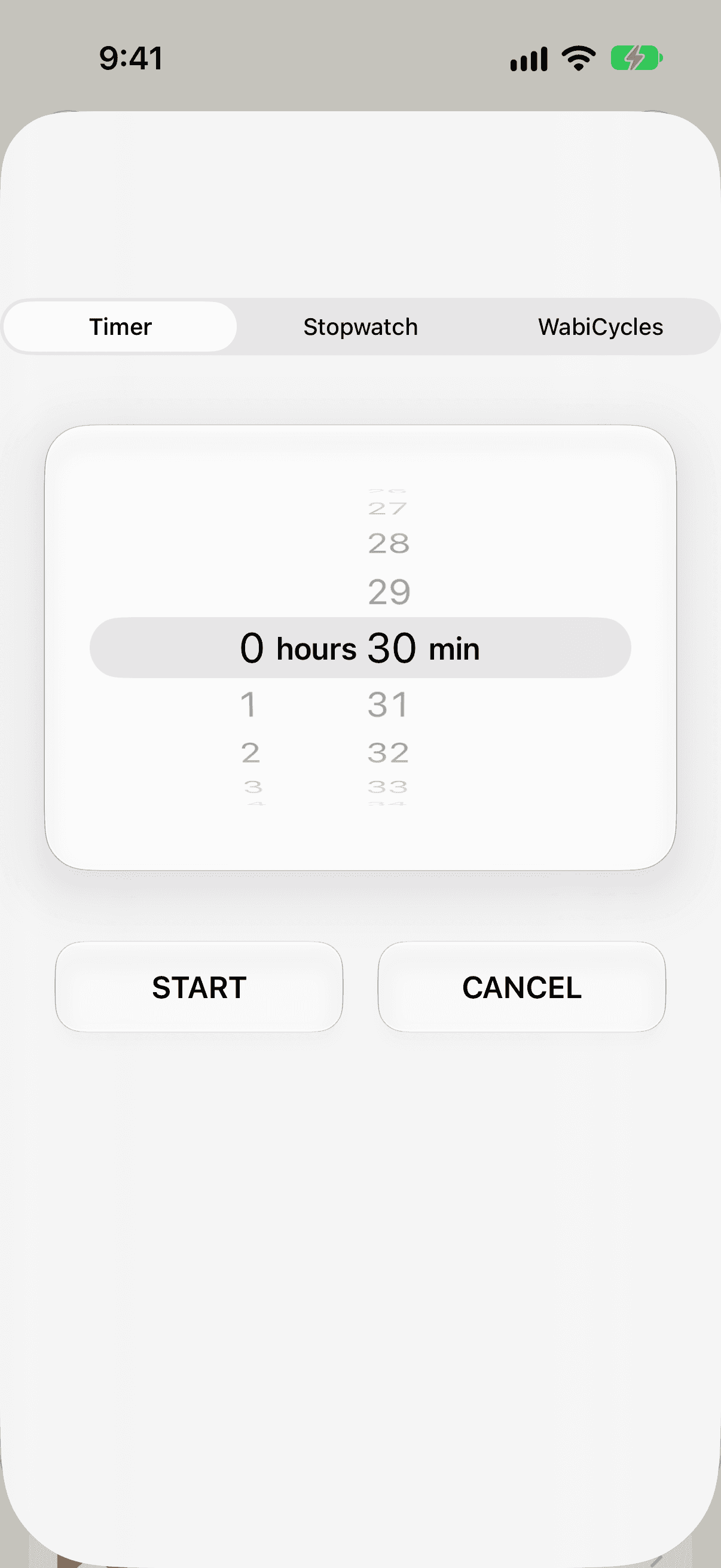
Countdown
The time-boxer. Forty minutes on the proposal, then stop whether it’s done or not.
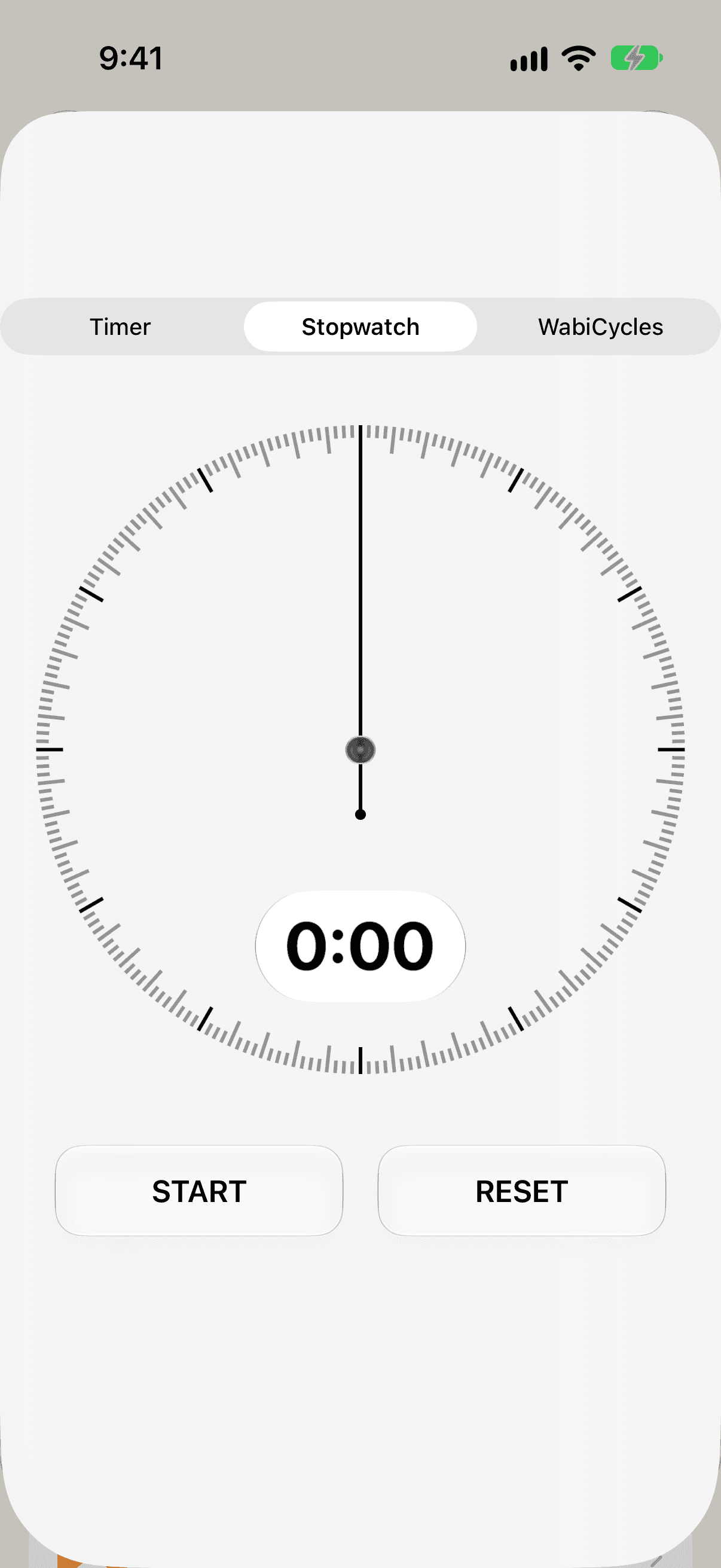
Stopwatch
The deep-flow worker. Press start, disappear into it, and find out afterwards how long you were gone.
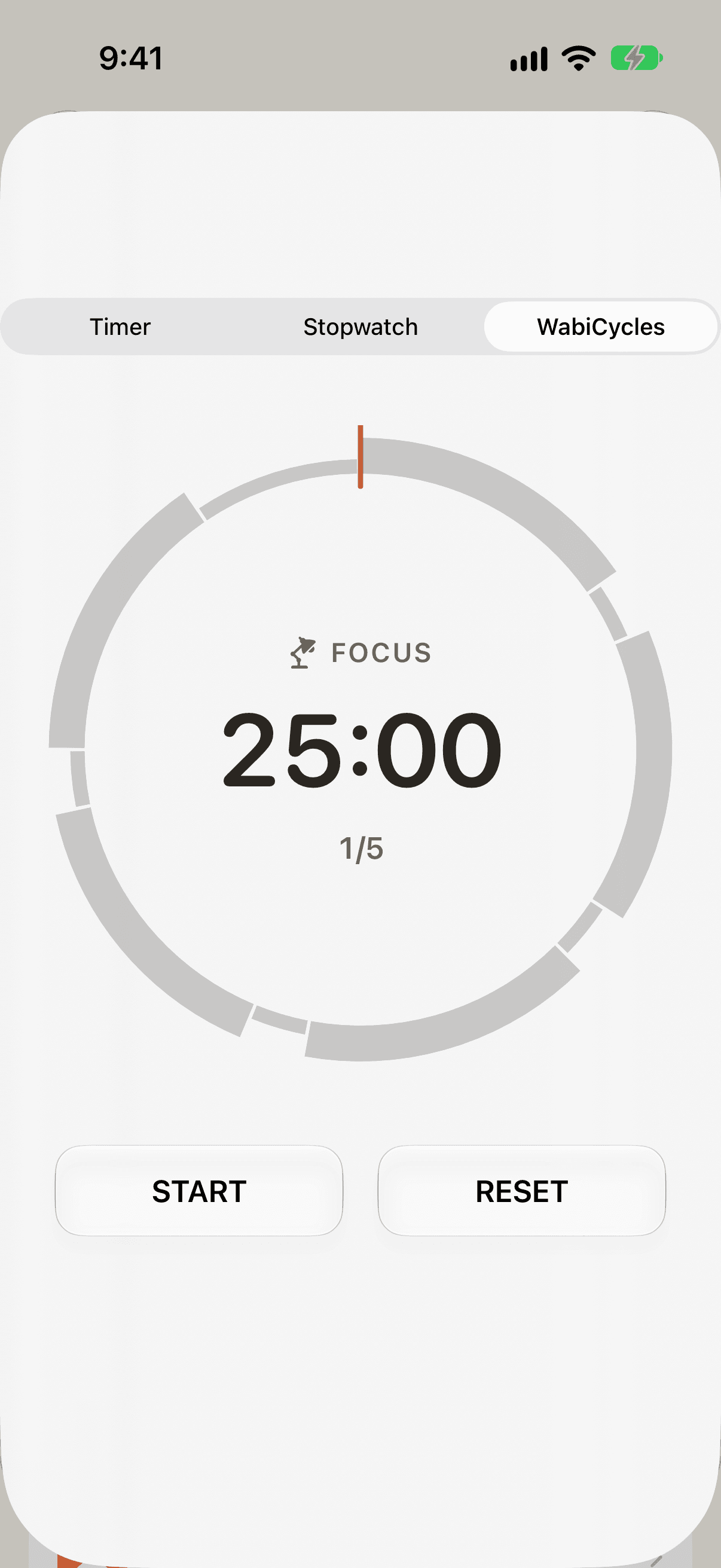
WabiCycles
The interval person. Work, break, work, break. The app keeps the rhythm so you don’t have to think about it.


Pricing
Free to start. Plus when the record starts to matter.
The timer, the menu bar, quick start, Siri and the widgets are all free. WabiTime Plus is a monthly or yearly subscription for when your work has outgrown a few projects. Prices are in your local App Store.
WabiTime Plus
- Unlimited projects and tasks
- Activity charts and stats
- iCloud sync across your devices
- Supports one person building it
Or just say thanks
Three one-off tips inside the app. They don’t unlock anything. They keep one developer fed, which is nice.
Matcha
A cup of tea while the code compiles.
Soba
Lunch, on you.
Bento
A whole afternoon of work, on the house.